Wordpress

Webflow
Is It the Right Time to Switch?
What to expect, what to avoid, and how to make the switch without losing SEO performance or momentum.
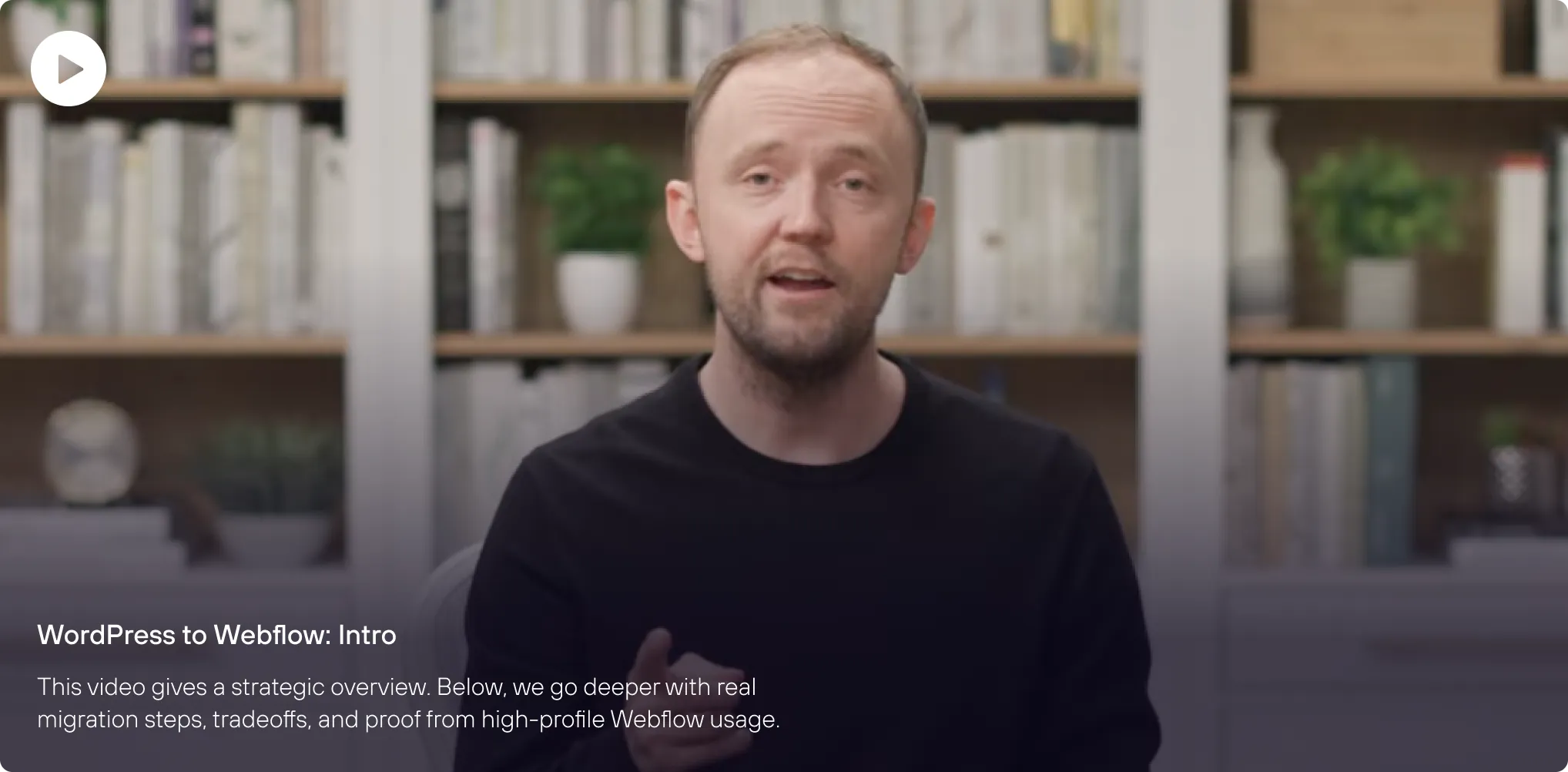
Watch: Should You Switch from WordPress to Webflow?
Built on Webflow. Trusted by the Big Players.
These companies use Webflow or parts of it for major brand presence, proving that Webflow scales.



If enterprise teams trust Webflow, it is not just for small projects.
Why so many teams are switching to Webflow
Teams move to Webflow for one main reason: control over design, performance, and process.
Better performance
Webflow’s global hosting and optimized code make speed a default.

Security handled
SSL, backups, and uptime built in.

Creative freedom
No rigid themes or hack patches.
Faster publishing
Designers and marketers update directly without waiting for developers.

Less maintenance
No plugin roulette or surprise theme updates.
Webflow lets growing teams move faster and design smarter without constant upkeep.
What migrating from WordPress to Webflow actually looks like
Migration is not copy and paste. It is a rebuild with intent.
Step 1
Audit and plan.
Inventory content, plugins, analytics, and SEO.
Step 2
Rebuild design system.
Use Webflow classes, shared components, and style logic.
Step 3
Migrate content.
Export from WordPress, clean, and import into Webflow CMS.
Step 4
Recreate functionality.
Rebuild forms, APIs, and analytics integrations.
Step 5
SEO setup.
Transfer meta data, alt text, Open Graph data, and configure 301 redirects.
Step 6
QA and testing.
Check performance, accessibility, and responsiveness.
Step 7
Launch and monitor.
Connect your domain, publish, and monitor analytics and redirects.
Integrations without the plugin pileup
In WordPress, every new “feature” usually means another plugin to update, secure, and pray doesn’t conflict with the rest. In Webflow, the essentials are native, and integrations plug in directly to the platform, not bolted onto a fragile theme stack.
Webflow reduces the add-on pile by handling key site fundamentals at the platform level, then extending with integrations that connect directly to CMS and forms, so your stack feels native, not patched together.
Webflow reduces the add-on pile by handling key site fundamentals at the platform level, then extending with integrations that connect directly to CMS and forms, so your stack feels native, not patched together.
Fewer updates to babysit
Webflow manages core site infrastructure and you are not stacking plugins just to get the basics.
Less security exposure
WordPress vulnerability volume is overwhelmingly concentrated in third-party plugins and patching is inconsistent across vendors.
Cleaner performance by default
You’re not stacking multiple plugin scripts and database work just to get basics like caching, SEO controls, or form protection.

Patchstack’s 2025 reporting notes that 96% of WordPress vulnerabilities in 2024 were found in plugins, not core, which is exactly why “plugin maintenance” turns into an ongoing tax

Do not migrate blind. Start with an audit.
1
Functionality
List every plugin and feature. Evaluate which Webflow or integrations can replace them.
2
Content
Segment static pages versus dynamic ones like blogs or case studies. Map your content schema.

3
Design
Decide if you will replicate or redesign. Use migration as a cleanup opportunity.
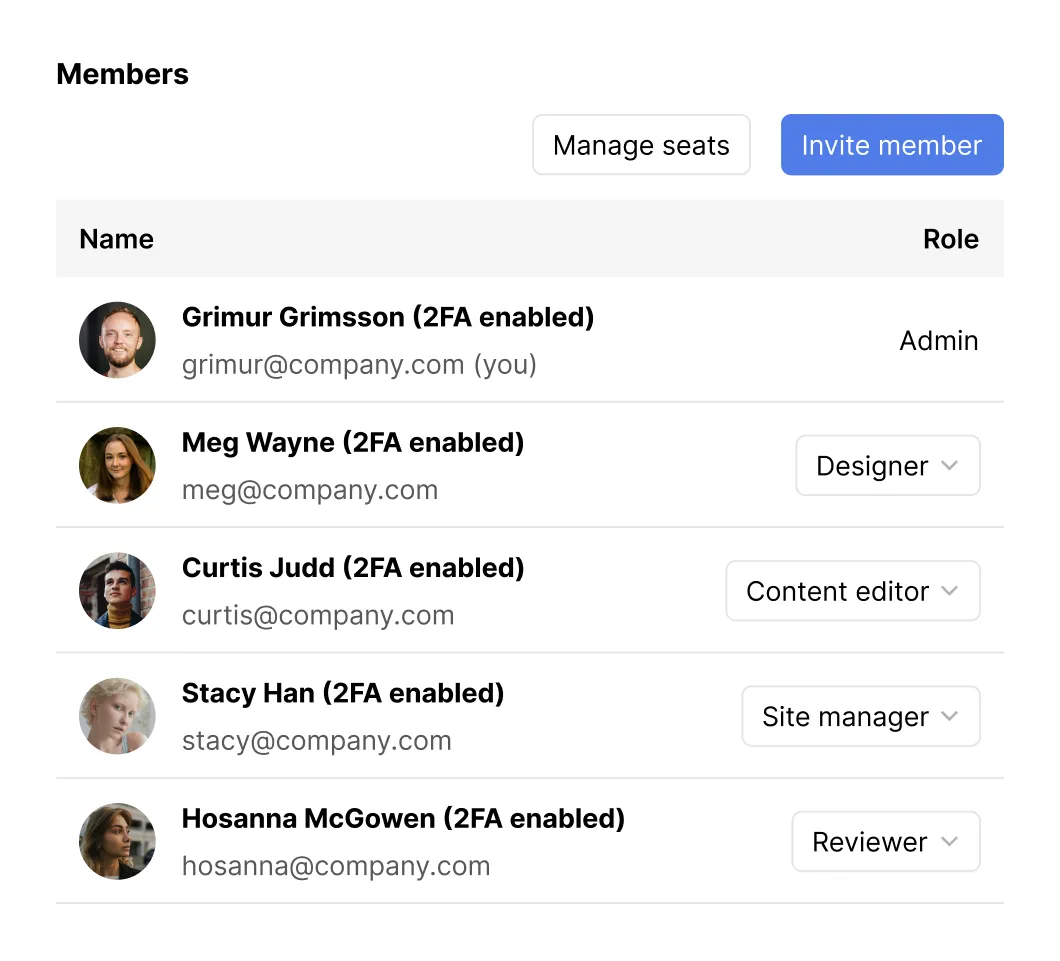
Know who touches your site and how
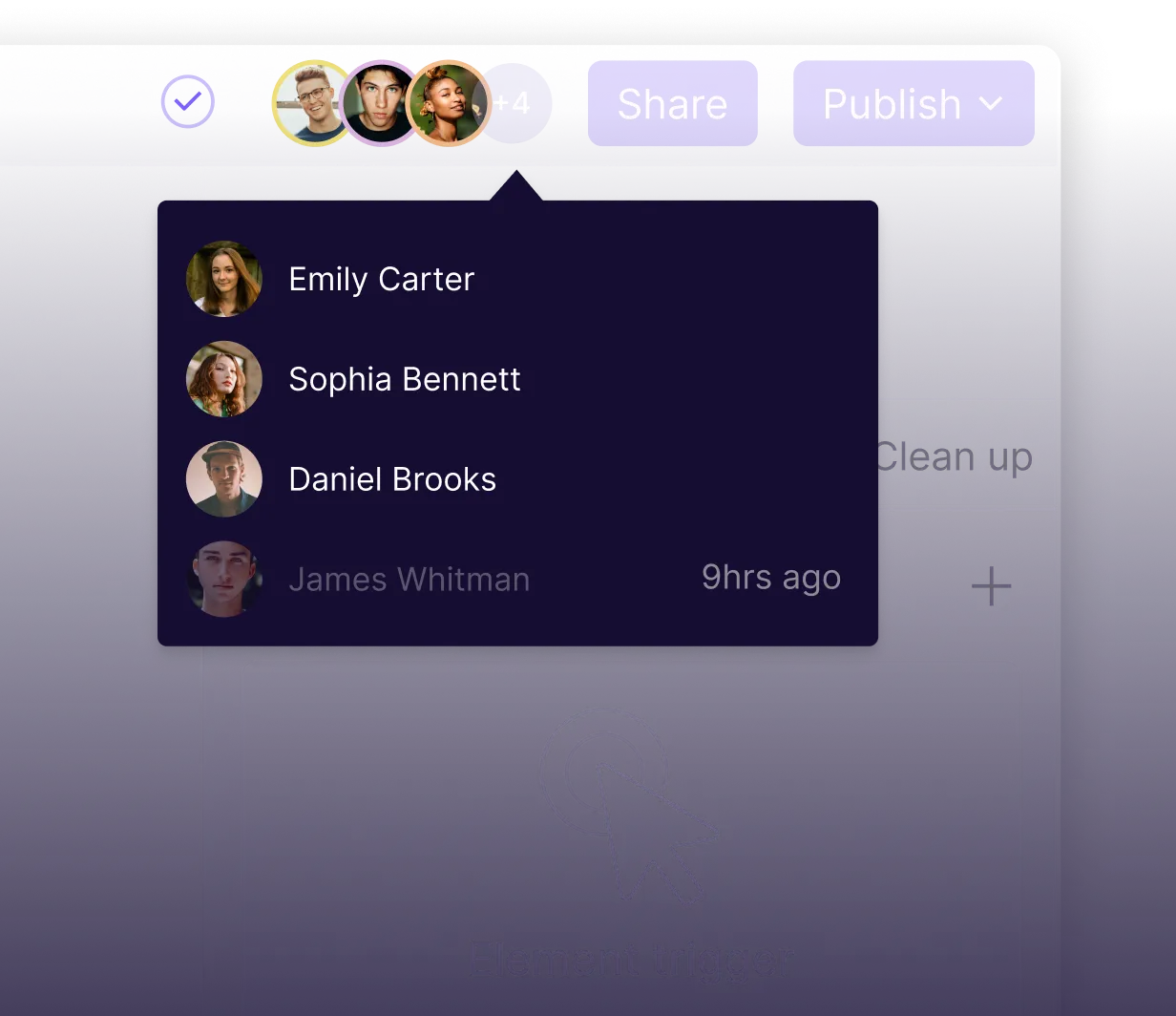
Webflow lets you assign roles and permissions so each person only sees what they need, minimizing risk and speeding up collaboration.
1
Will I lose SEO or organic traffic during migration?
2
Who changes layout or design?
3
Who manages integrations or analytics?
What changes once you are on Webflow
Instant updates. No FTP or handoffs.
Faster load times and fewer failure points.

Fewer dependencies to maintain.
Design and marketing finally share the same workflow.
Once it is done, you unlock a faster, cleaner, more collaborative way to build for the web.


Migration without the chaos
We have migrated complex, high-traffic WordPress sites for SaaS and tech brands and we understand what is at stake.
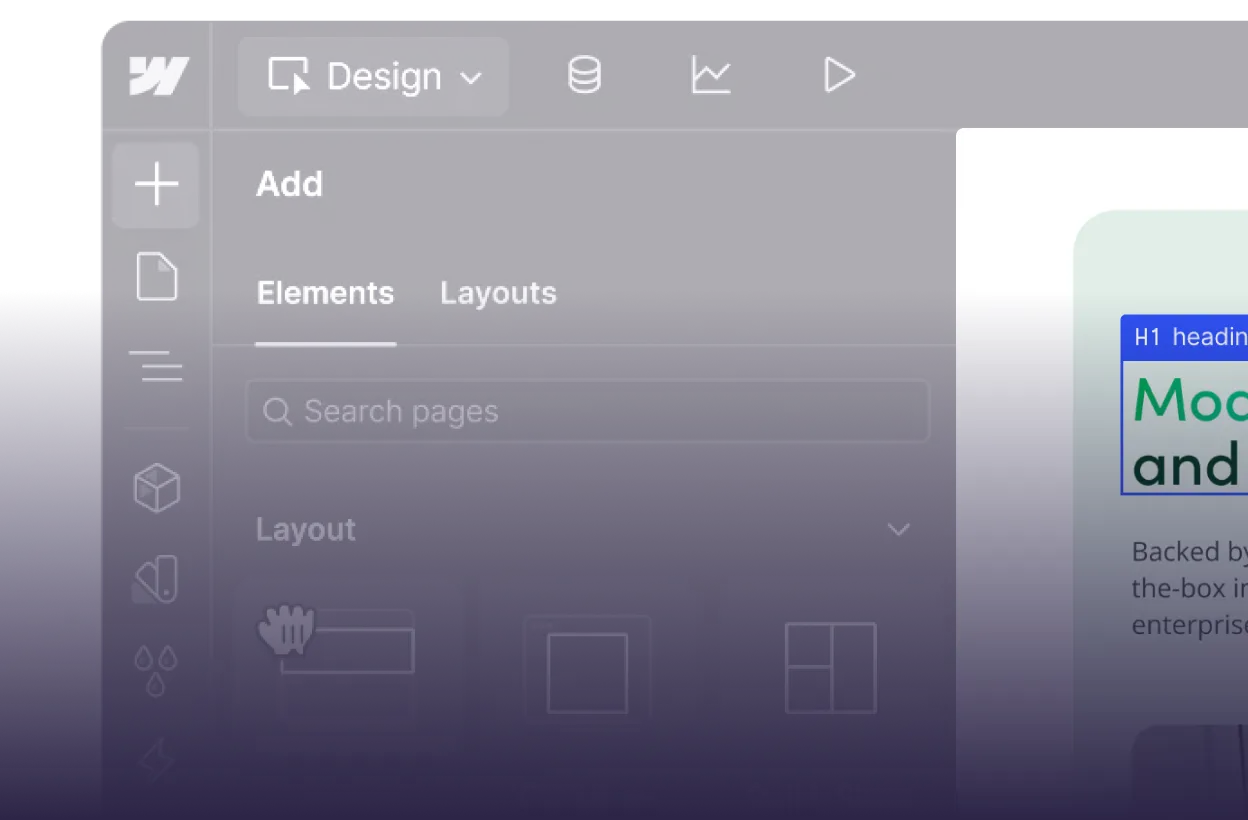
Custom design systems built for scalability
Strategic audits before building
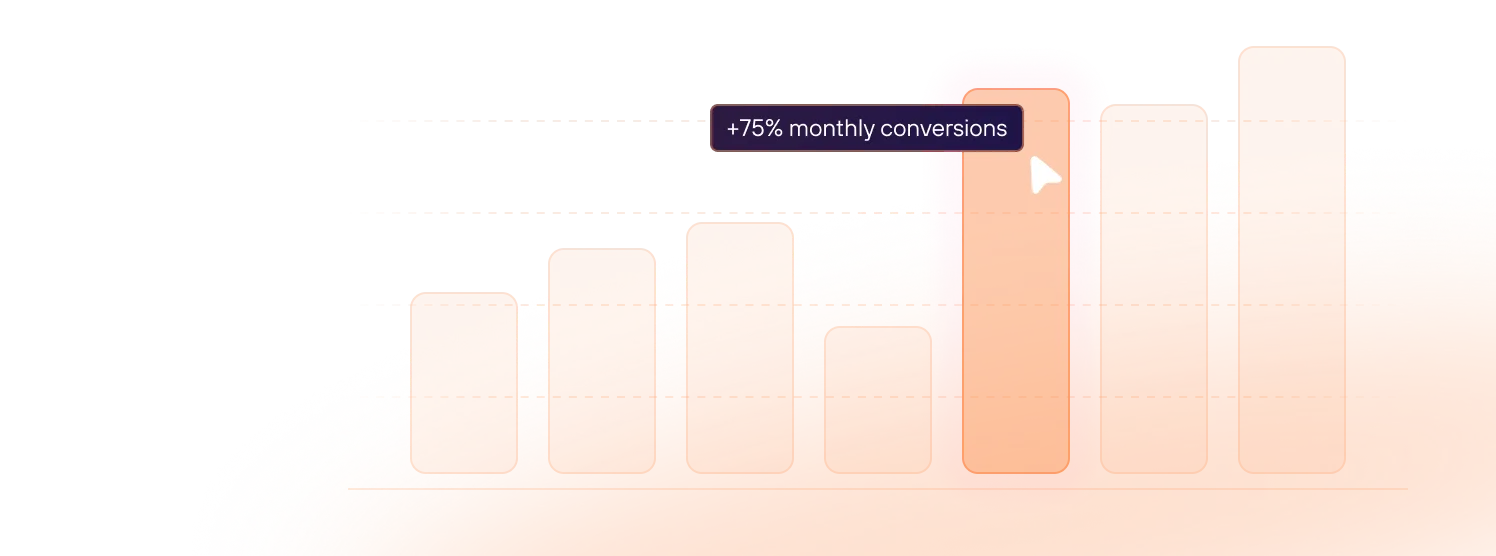
SEO-first migrations to protect your traffic
Key Questions Before You Commit
Will I lose SEO or organic traffic during migration?


How long does the switch usually take?
Can all my content be moved? (Blog posts, images, pages, etc.)
What happens to plugin or custom functionality I currently use?
Will there be downtime or disruption?
What limitations should I know about Webflow’s CMS or architecture?
How do you ensure internal links, menus, anchors, etc. still work?
Will my domain or brand identity change?