SEO
Webflow SEO vs. WordPress SEO: Which Platform Ranks Better?
 Tamar HelaContent & SEO Strategist

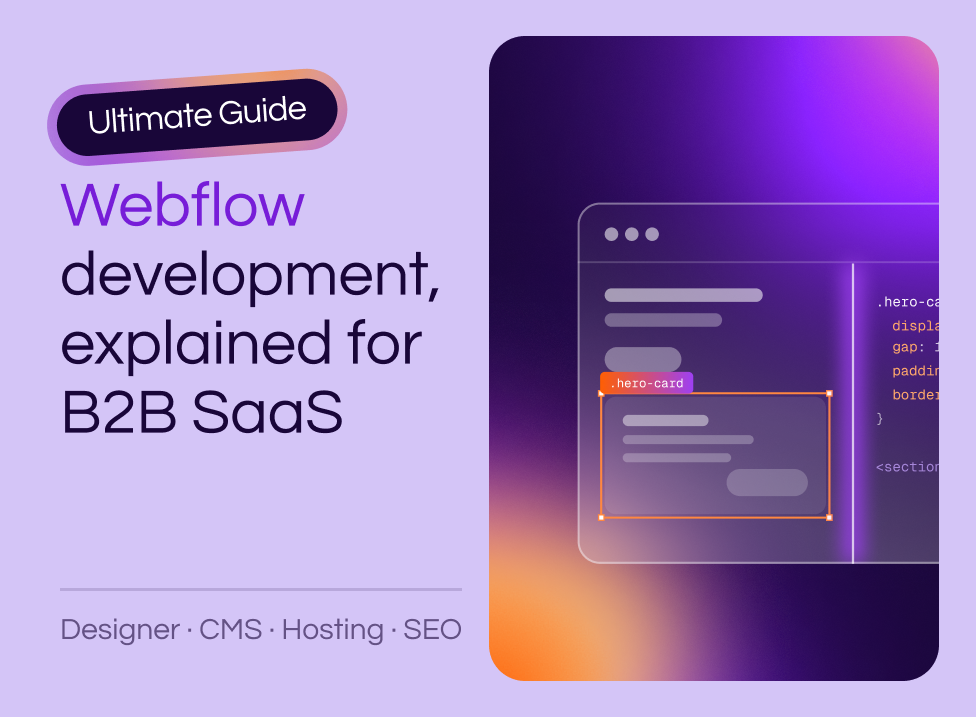
Most B2B SaaS teams evaluating Webflow are asking three questions: how does it work, why are so many marketing teams moving to it from WordPress, and should we build in-house or hire help. This guide answers all three, with enough technical detail to make a platform decision rather than a gut call. If you're also weighing Framer, see Webflow vs. Framer for B2B SaaS.
Webflow development means building a website in a browser-based visual interface that outputs production-ready HTML, CSS, and JavaScript as you design. You control the same CSS properties a developer would write by hand, through sliders, dropdowns, and input fields instead of a code editor.
That is the difference between Webflow and template-based drag-and-drop builders. Those tools abstract the code away and leave you with whatever the template allows. Webflow exposes the code's controls visually, so the finished site performs like custom code because, under the hood, it is custom code.
Webflow breaks into three core tools, and understanding how they connect shows you where each team member fits into the workflow.
The Designer is where you build layouts, set spacing, and style typography. Every slider, dropdown, and input field corresponds to a real CSS property, so you are writing CSS without typing it. The output is clean HTML and CSS that performs well without a separate optimization pass afterward.
Content teams work in Webflow through role-based seats rather than a separate editing application. Webflow retired its legacy Editor on August 4, 2026, and replaced it with three roles: Marketer, Content editor, and Reviewer. A Content editor can update text, swap images, and manage CMS content without access to layout or styling controls.
Agencies grant clients access through Client seats, which are scoped to a specific site. In-house teams use Limited seats. Either way, the separation keeps your site stable while giving non-technical teammates the freedom to publish on their own schedule.
Collections are structured content databases, similar to a spreadsheet that powers your site. You might create Collections for blog posts, team members, case studies, or integrations. Each Collection item populates a template page dynamically, so adding new content means adding a row, not building a page.
The features above translate into specific outcomes that matter when you are trying to ship campaigns, iterate on messaging, or scale your content operations.
Your marketing team can launch landing pages, update hero copy, or spin up event pages without filing a ticket. Content editor roles give them direct access to content without the ability to break layout, so campaigns stop stalling on engineering availability.
WordPress security problems concentrate in its extension ecosystem. In Patchstack's State of WordPress Security 2026 report, 91% of new vulnerabilities discovered in 2025 were in plugins and 9% were in themes.
Webflow does not rely on third-party plugins for core functionality, which means fewer compatibility issues, fewer security patches, and less time spent troubleshooting why something broke after an update. The platform handles hosting, SSL, and CDN delivery natively.
Because the Designer exposes the same properties a developer would set in CSS, a layout built from a Figma file can match it to the pixel. The "design drift" that happens when developers interpret mockups shrinks considerably, because the person building the page is often the person who designed it.
Role-based permissions let you control who can edit what. Content editors work independently without accidentally breaking navigation or layout components, and you decide who gets Designer access versus a content role.
A common concern with visual builders is that they produce bloated code or limit SEO control. Webflow addresses both with native tools.
For teams migrating from WordPress, these native controls often replace functionality that previously required three or four plugins. Our SEO and AEO service builds on top of them for teams that want ranking strategy alongside the technical foundation.
Collections are the backbone of any content-heavy Webflow site. A Collection is a database table where each row is a piece of content and each column is a field type, like text, image, or a reference to another Collection.
The pieces fit together like this:
For B2B SaaS sites, this structure scales well. You can add 50 new integration pages without touching the template, and they all inherit the same layout and styling.
Webflow uses a breakpoint system with four default device views: desktop, tablet, mobile landscape, and mobile portrait. Styles cascade from desktop down, so changes at larger breakpoints flow to smaller ones automatically.
You can override styles at any breakpoint when you want different behavior on mobile. Flexbox and grid tools are built in, so responsive layouts need no workarounds or custom code. If you have worked with CSS media queries before, Webflow's breakpoint system will feel familiar, just visual instead of written.
Most B2B SaaS teams design in Figma before building in Webflow. The handoff can happen two ways, and the right choice depends on your site's complexity.
The manual approach takes longer upfront but produces a cleaner, more maintainable class structure. For sites you will iterate on for years, that investment pays off.
Webflow connects to the tools B2B SaaS teams already use, either natively or through custom code.
Webflow's managed hosting removes server-level concerns from your plate. You are not configuring servers, managing SSL certificates, or patching security vulnerabilities.
The closed system is the point. You trade server-level flexibility for a maintenance line that stays close to zero, which is the trade most marketing teams want to make.
Webflow is built for marketing sites, and its limits show up when a project starts to look like a product.
For most B2B SaaS marketing sites, none of these apply. If you are building a product rather than a marketing site, custom development is the better path.
If you are evaluating both platforms, these are the factors that decide it for most SaaS marketing teams.
| Factor | Webflow | WordPress |
|---|---|---|
| Hosting and security | Managed hosting, SSL, and CDN included; no server access to secure | Self-hosted or third-party host; you own patching and server security |
| Extending functionality | Native features plus custom code and vetted apps | Plugin ecosystem; 91% of 2025 vulnerabilities were in plugins |
| Content publishing | Role-based seats let marketers edit content without touching layout | Editor roles exist, but layout and content are often entangled in page builders |
| Design control | Full CSS control through the Designer; no theme constraints | Depends on theme and page builder; custom design usually requires a developer |
| Ongoing maintenance | Platform updates handled by Webflow | Core, theme, and plugin updates on your calendar, with compatibility risk each time |
WordPress can work well with the right setup, but the maintenance burden is pushing teams elsewhere. Search Engine Journal's analysis of W3Techs data found WordPress market share fell for six consecutive months, from 43.2% in December 2025 to 41.9% by late May 2026. Many teams migrate from WordPress to Webflow specifically to eliminate that overhead.
Whether to build in-house, hire a freelancer, or work with an agency comes down to complexity and stakes. Our guide to hiring a Webflow development agency walks through the trade-offs. An agency typically adds the most value in four situations:
As a Webflow Enterprise Partner, Curio Digital designs and builds conversion-focused websites for B2B SaaS companies. We've launched 250+ Webflow sites, and our process is structured for predictable timelines and long-term maintainability.
Yes. Webflow's visual interface generates clean HTML, CSS, and JavaScript automatically, so you can design and launch a fully functional site without writing code. Understanding CSS concepts helps you work faster and make better layout decisions.
A typical B2B SaaS marketing site takes 6–12 weeks from kickoff to launch when working with an experienced agency. Simpler sites can launch faster; enterprise projects with complex CMS structures may take longer. For budget ranges, see our custom web development cost breakdown.
Yes. Webflow's Enterprise plan supports advanced security requirements, SSO, role-based permissions, custom CMS limits, and the scalability that enterprise teams expect.
Yes, with proper planning. URL mapping, 301 redirects, and metadata transfer preserve your search rankings and avoid traffic loss during migration. Rankings drop when execution is sloppy, and careful redirect mapping is what prevents it.
Yes. Webflow's global CDN and managed hosting infrastructure handle traffic spikes without performance degradation.
When you're ready to turn your website into a pipeline engine, here are 3 ways Curio can help:

SEO
Tamar HelaContent & SEO Strategist
SEO
 Lucas RamalhoSenior Developer
Webflow & Development
Jamie DowisCo-founder & Director of StrategyContact us
Every engagement starts with a conversation. We’ll learn about your business, your buyers, and where your website is losing them.